

Blog post overview and metadata
Author, publish date, read time, and category
WordPress to Laravel Migration: When UK Businesses Should Switch
Reviewed by: ARS Developer | Updated: 01 Jul 2026 | UK Focus: Buyer-intent SEO, web delivery, and measurable conversion growth.
Quick Summary
For most UK businesses, WordPress starts as the obvious choice: fast to launch, cheap to host, and a plugin for almost everything. But as your operation grows, that same flexibility can turn into fragility. If you have started asking whether a WordPress...
In This Guide
Why This Article Is Trustworthy
- Reviewed by the ARS Developer editorial team for UK business relevance.
- Structured around buyer-intent SEO, technical delivery, and measurable conversion outcomes.
- Connected to related service pages, pricing guidance, and supporting articles for stronger topic depth.
For most UK businesses, WordPress starts as the obvious choice: fast to launch, cheap to host, and a plugin for almost everything. But as your operation grows, that same flexibility can turn into fragility. If you have started asking whether a WordPress to Laravel migration is the right next step, you are almost certainly feeling the friction that thousands of scaling UK companies hit: slow admin pages, plugin conflicts, security patch fatigue, and workflows your CMS was never designed to handle. This guide, written by the team at ARS Developer Ltd, explains the honest signals that it is time to move, the signals that mean you should stay put, and exactly how a controlled migration works without wrecking your Google rankings.
We build custom platforms from Stoke-on-Trent for clients across the UK, and we deliberately talk many people out of migrating. The question is never "is WordPress good?" — it is "has your business outgrown a content management system and started needing a genuine application?"
Key takeaways
- Migrate when WordPress becomes an application, not a website. Complex user roles, bespoke workflows, integrations, and heavy data processing are Laravel's home turf, not WordPress's.
- Plugin bloat, security exposure, and performance ceilings are the three most common triggers to leave WordPress.
- Do not migrate a content-led site. If your platform is mostly articles, brochure pages, or a simple shop, staying on WordPress is usually the smarter commercial decision.
- SEO can be fully preserved with careful URL mapping, 301 redirects, and metadata migration — rankings do not have to drop.
- A phased migration reduces risk. You rarely need a risky "big bang" cutover.
Signs you have outgrown WordPress
Deciding to migrate WordPress to Laravel should be driven by evidence, not fashion. Below are the patterns we see most often when a UK business has outgrown its CMS. If three or more feel familiar, it is worth a serious conversation.
Plugin bloat and dependency fragility
Every plugin is third-party code running inside your site. A healthy build might run 15 to 20 plugins; a strained one runs 40 or more, several overlapping. The symptoms are predictable:
- One plugin update breaks another, and nobody is sure which.
- Core updates are delayed for months because you fear compatibility issues.
- You are paying for a stack of premium plugin licences every year just to keep the lights on.
- Page builders have added so much markup that performance suffers and edits are slow.
When your site's behaviour depends on a fragile chain of plugins you do not control, you have inherited a maintenance liability. Laravel replaces that chain with code your team owns outright.
Security exposure and patch fatigue
WordPress powers a huge share of the web, which makes it a constant target. The core is reasonably secure, but the attack surface lives in plugins and themes. If your team spends its time chasing vulnerability disclosures, applying emergency patches, or recovering from injected spam, security has become an operational tax. A custom Laravel application has a far smaller public attack surface, no plugin marketplace to police, and security controls written for your risk profile.
Performance ceilings under real load
WordPress can be made fast, but there is a ceiling. Heavy queries against a growing database, uncached dynamic pages, and logged-in user areas that bypass caching all drag performance down. If your dashboards crawl or your admin panel takes seconds to load, you are hitting architectural limits rather than a hosting problem you can spend your way out of.
Custom workflows the CMS was never built for
This is the clearest signal of all. WordPress is a content management system. The moment your product involves multi-step approval flows, role-based permissions, quoting engines, booking logic, or data processing that lives outside "posts and pages", you are bending a CMS into an application. Every custom feature becomes a bespoke plugin, a fragile hook, or a tangle of custom post types. This is precisely where the custom software vs off-the-shelf decision matters most — and where Laravel earns its place.
What Laravel gives you that WordPress cannot
Laravel is a modern PHP application framework, not a website builder — that distinction is the whole point. When you migrate WordPress to Laravel, you are trading a content platform for an engineering foundation. The practical gains include:
- Clean, testable architecture. Business logic lives in structured code with automated tests, not scattered across plugin settings and theme files.
- Precise data modelling. Your database schema matches your business, instead of forcing everything into posts, meta fields, and taxonomies.
- First-class APIs. Laravel makes it straightforward to expose a secure API for a mobile app, a partner integration, or a headless front end.
- Fine-grained access control. Roles, permissions, and audit trails built to your exact governance rules.
- Queues and background jobs. Heavy tasks — emails, reports, imports, payments — run asynchronously without blocking the user.
- Scalability on your terms. Caching, database read replicas, and horizontal scaling are design choices, not afterthoughts.
In short, a move from WordPress to custom app territory gives you a platform that grows with the business rather than fighting it. The trade-off is that Laravel needs professional developers; that is a feature, not a bug, once your platform is business-critical.

When you should NOT migrate
A responsible Laravel migration company will tell you when to stay. Migration is an investment, and for many sites it is the wrong one. You should almost certainly remain on WordPress if:
- Your site is content-led. Blogs, news sites, brochure sites, and knowledge bases are exactly what WordPress does best. Rebuilding them in Laravel adds cost and removes the editorial convenience your team relies on.
- Your e-commerce is standard. A conventional shop on WooCommerce or Shopify, with no unusual logic, rarely justifies a custom rebuild.
- Your team edits content daily. WordPress's editing experience is mature and familiar. Do not throw that away lightly.
- The pain is a bad build, not the platform. Sometimes a slow, fragile WordPress site just needs re-hosting, plugin rationalisation, and a performance audit — not a full migration.
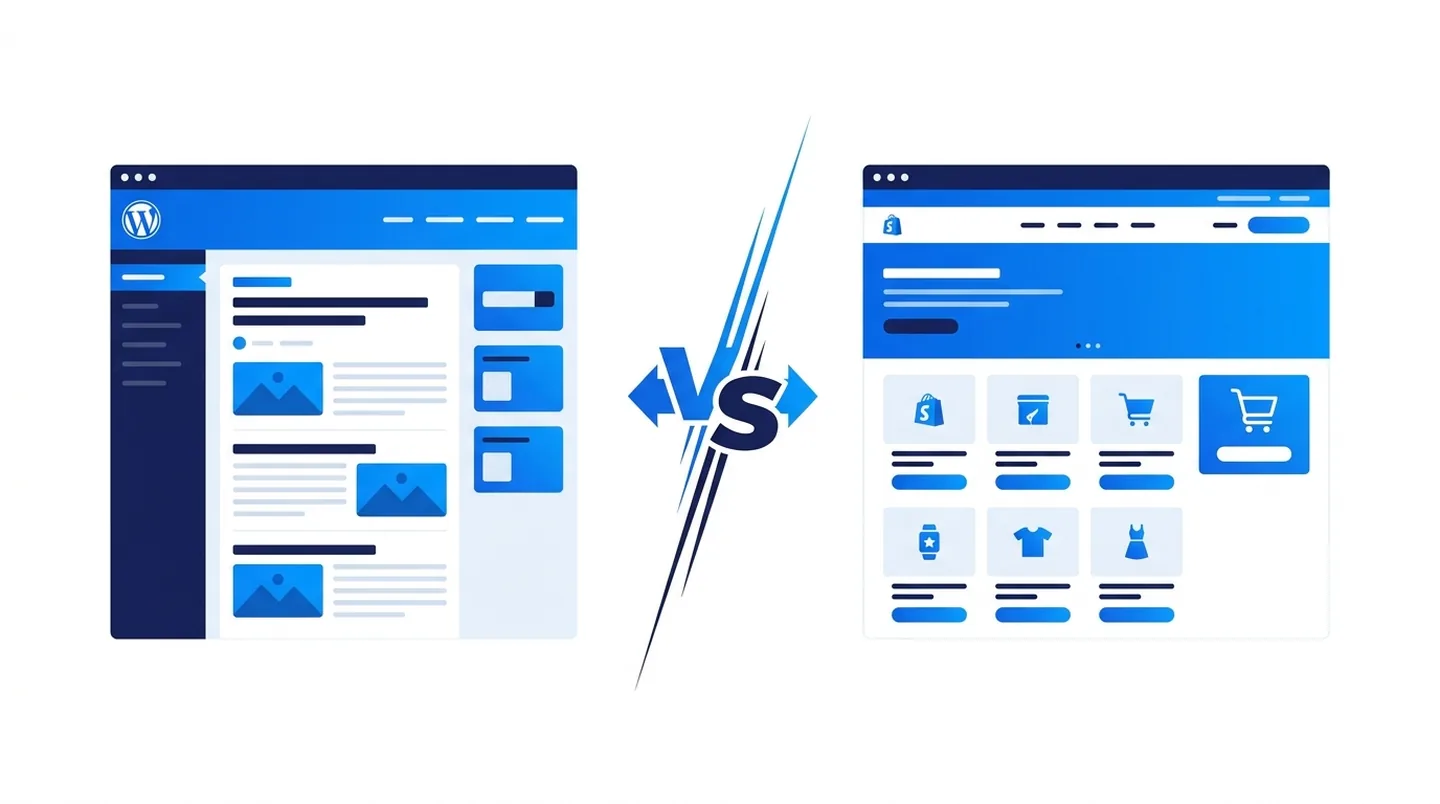
Knowing when to leave WordPress is as much about honesty as engineering. If your friction is content-related, fix the content platform; if it is application-related, that is when Laravel pays off. For a wider view on how build budgets compare across markets, this breakdown of how much a WordPress website costs in Dubai is a useful benchmark for your own investment.
How a WordPress to Laravel migration actually works
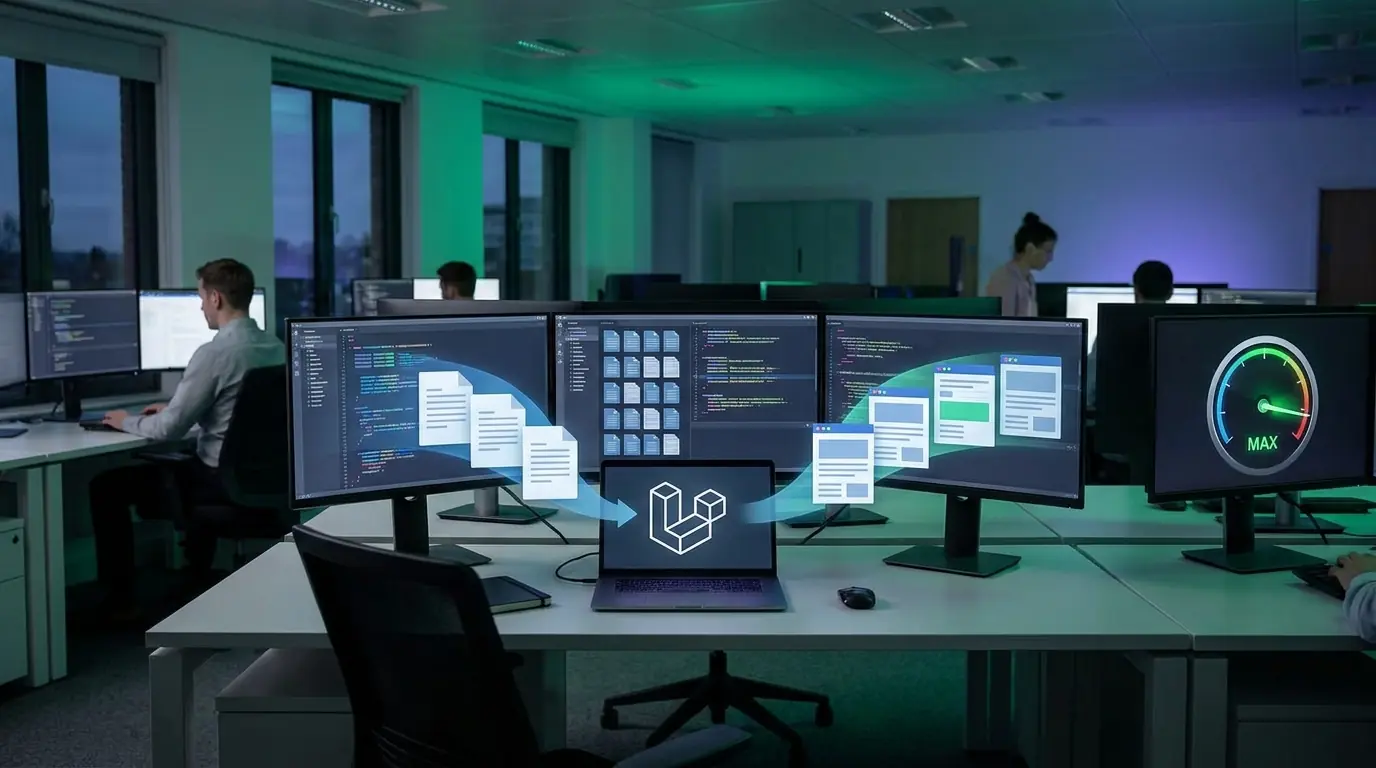
A well-run wordpress to laravel migration uk project is methodical. The goal is zero data loss, no ranking drop, and no surprise downtime. Here is the process we follow at ARS Developer.
1. Discovery and technical audit
We map everything before touching code: content types, plugins, integrations, user roles, custom fields, and the URLs that carry your SEO value. This audit defines scope and produces a realistic plan. Skipping it is the single biggest cause of migration overruns.
2. Data modelling and migration
Your WordPress data — posts, pages, users, media, custom fields, orders — is mapped to a clean Laravel schema. We write repeatable migration scripts rather than moving data by hand, so the process can be tested and re-run safely before the final cutover, with every record validated against the source.
3. URL and SEO preservation
This is where migrations succeed or fail in Google's eyes. Every indexed URL is catalogued and either preserved exactly or given a permanent 301 redirect to its new equivalent. Titles, meta descriptions, canonical tags, structured data, and image alt text all carry across. We rebuild your XML sitemap and keep the robots directives consistent.
4. Rebuild and phased rollout
Rather than a single risky switch, we favour a phased approach: rebuild the highest-value or most-broken area first, run it in parallel, verify it, then move the next module. This keeps the business trading and limits the blast radius of any issue, with a staging environment mirroring production so nothing goes live untested.
5. Testing, cutover, and monitoring
Before go-live we run functional, performance, and security testing, plus a full redirect audit. On cutover day we monitor crawl behaviour, error logs, and rankings closely — the first two weeks after launch are where careful monitoring protects the SEO equity you have spent years building.
Preserving SEO and rankings during migration
The fear that stops most businesses migrating is losing hard-won Google rankings. It is a legitimate concern — a careless migration can tank your visibility, but a disciplined one does not. Protecting your SEO comes down to a repeatable checklist:
- Full URL inventory. Crawl the live site and export every indexed URL before any change is made.
- One-to-one 301 redirects. Map old URLs to new ones with permanent redirects; never leave a valuable page returning a 404.
- Metadata parity. Migrate every title tag, meta description, heading structure, and canonical tag exactly.
- Structured data continuity. Re-implement schema markup so rich results are not lost.
- Preserve internal links. Keep your internal linking structure intact so authority still flows.
- Sitemap and Search Console. Submit the new sitemap, monitor coverage reports, and fix crawl errors quickly.
- Match or beat performance. Ensure Core Web Vitals improve, not regress, on the new platform.
Done properly, rankings typically hold steady and often improve, because a faster, cleaner Laravel platform tends to satisfy Core Web Vitals better than a plugin-heavy WordPress build.
Cost and timeline: what to expect
There is no honest fixed price for a migration, because scope varies enormously. A focused migration of a defined application area might run over 6 to 10 weeks; a full platform rebuild for a complex, integration-rich system can run 4 to 6 months or more. The main cost drivers are:
- The volume and messiness of the data being migrated.
- The number of third-party integrations that must be rebuilt.
- The complexity of custom workflows and permissions.
- The depth of SEO preservation and testing required.
- Whether you migrate in one phase or several.
Weigh the cost against what WordPress is quietly costing you today: premium plugin licences, emergency fixes, developer firefighting, and the opportunity cost of features you cannot build. For many scaling UK firms, the migration pays for itself within the first year.
Risks and how to manage them
No migration is risk-free, and any credible laravel migration company uk should name the risks openly rather than gloss over them:
- SEO loss — mitigated by the URL and redirect discipline above.
- Data integrity issues — mitigated with scripted, validated, repeatable migrations rather than manual moves.
- Scope creep — mitigated by a thorough discovery phase and a phased delivery plan.
- Downtime — mitigated with staging environments, parallel running, and off-peak cutovers.
- Team disruption — mitigated with training and documentation so your staff are confident on day one.
Your pre-migration checklist
Before committing to a WordPress to Laravel migration, work through this checklist. It sharpens the decision and gives any development partner a clear brief:
- Have you confirmed the pain is application-related, not just a poorly built WordPress site?
- Have you listed the custom workflows WordPress cannot handle cleanly?
- Have you audited every plugin and identified which are business-critical?
- Do you have a complete inventory of indexed URLs and top-performing pages?
- Have you documented your integrations and data volumes?
- Have you quantified what WordPress currently costs you in time and licences?
- Do you have a phased plan that keeps the business trading throughout?
- Have you agreed how SEO preservation will be measured after launch?
Frequently asked questions
Will I lose my Google rankings if I migrate from WordPress to Laravel?
Not if the migration is handled properly. Rankings are protected by cataloguing every indexed URL, applying one-to-one 301 redirects, and migrating all metadata and structured data exactly. Because a Laravel build is usually faster than a plugin-heavy WordPress site, Core Web Vitals often improve, which can lift rankings over time.
How do I know when to leave WordPress?
The clearest signal is that your site behaves like an application rather than a website — complex workflows, role-based access, integrations, and heavy data processing. Combined with plugin fragility, security patch fatigue, and performance ceilings, these point to leaving WordPress. If your site is mostly content, staying is usually the better decision.
How long does a WordPress to Laravel migration take?
It depends on scope. A focused migration of a single application area can take 6 to 10 weeks, while a full rebuild of a complex, integration-heavy platform can run 4 to 6 months or more. A thorough discovery phase produces an accurate timeline, and a phased approach lets you deliver value earlier rather than waiting for one large launch.
Can I move all my WordPress content and data across?
Yes. Posts, pages, users, media, custom fields, and orders can all be migrated into a clean Laravel schema using scripted, repeatable migrations. Because the scripts are tested and re-runnable, the transfer is validated against the source before the final cutover, so nothing is lost.
Is Laravel more secure than WordPress?
A custom Laravel application generally has a smaller public attack surface because it has no plugin marketplace or third-party themes to police. Security controls are written for your specific risk profile. WordPress can be secured well, but Laravel removes an entire category of plugin-driven vulnerabilities.
Do I need a specialist Laravel migration company in the UK?
A migration touches data integrity, SEO equity, and business continuity at once, so specialist experience matters. A capable partner runs a proper audit, scripts the data migration, protects your rankings with disciplined redirects, and delivers in phases to keep you trading. A UK-based team also keeps communication, timezone, and data-handling expectations aligned.
Conclusion: migrate for the right reasons
A WordPress to Laravel migration is not an upgrade for its own sake — it is a decision to trade a content platform for an engineering foundation because your business has genuinely outgrown the former. If plugin bloat, security fatigue, performance ceilings, and workflows WordPress cannot handle are draining your team, moving to a custom Laravel application will pay you back in stability, speed, and the freedom to build exactly what you need. If your site is content-led, the honest answer is to stay.
At ARS Developer Ltd, based in Stoke-on-Trent, we plan migrations that protect your data and your rankings, and we will tell you plainly if WordPress is still the right home for you. If you are weighing up whether to migrate WordPress to Laravel, talk to us for a straight technical assessment — we will map the risks, the timeline, and the return, then help you make the right call for your business.
Next Step Resources
Move from research into action with the most relevant service, proof, pricing, and project planning pages for this topic.

Tags:



































Leave a Comment
Ask a practical question, share a project insight, or add a useful note. Every comment is reviewed before it appears publicly.