
Blog post overview and metadata
Author, publish date, read time, and category
CRM Automation UK: How Custom Portals Reduce Admin and Speed Up Sales
Reviewed by: ARS Developer Team | Updated: 30 Sep 2026 | UK Focus: Buyer-intent SEO, web delivery, and measurable conversion growth.
Quick Summary
How UK businesses use CRM automation and custom portals to reduce admin, speed up sales handling, and improve operational visibility.
In This Guide
Why This Article Is Trustworthy
- Reviewed by the ARS Developer editorial team for UK business relevance.
- Structured around buyer-intent SEO, technical delivery, and measurable conversion outcomes.
- Connected to related service pages, pricing guidance, and supporting articles for stronger topic depth.
Quick Answer
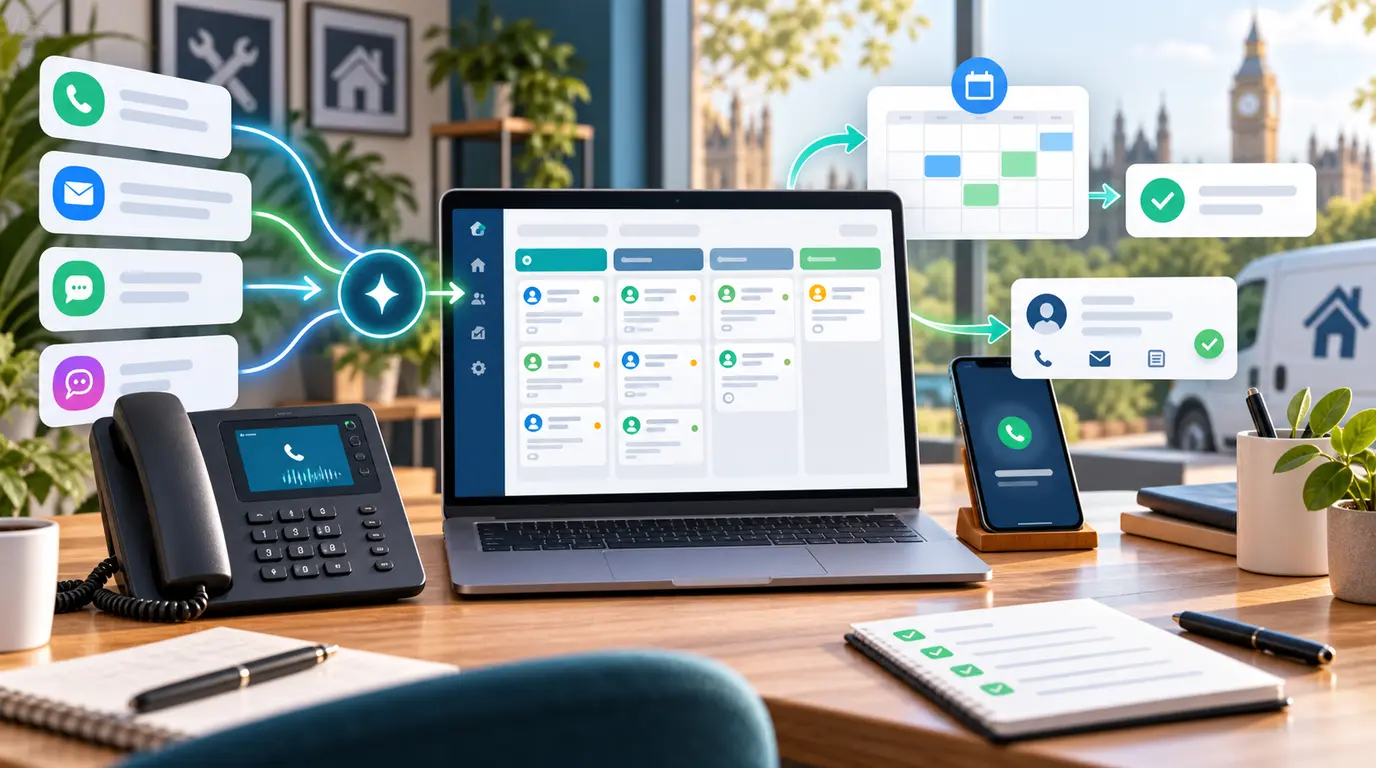
CRM automation creates the most value when it reduces manual follow-up, keeps pipeline ownership clear, and gives teams one place to manage progress.
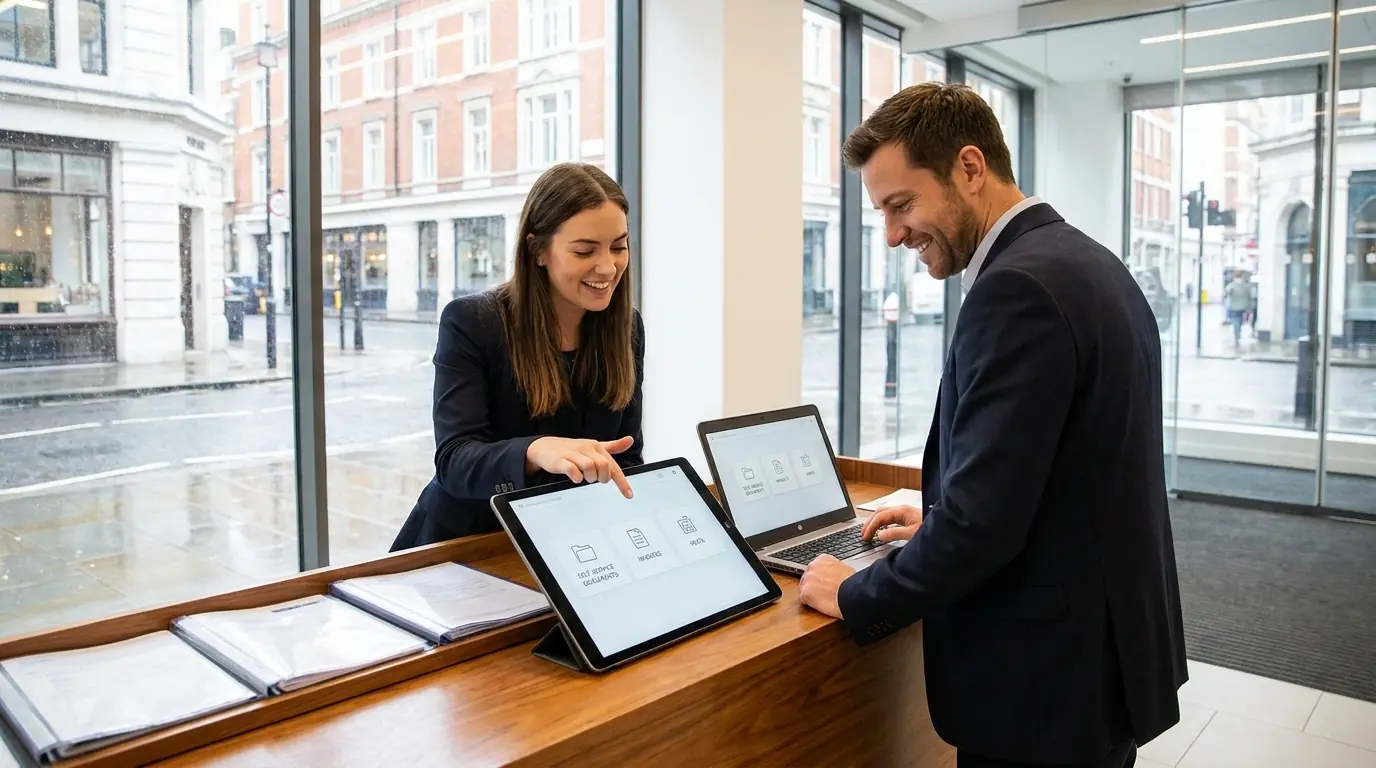
For many UK businesses, custom portals become the layer that turns enquiries, project updates, documents, and approvals into one usable workflow.
Where businesses usually feel the friction first
- Leads sit in inboxes with no clear ownership.
- Sales and delivery teams work from different systems.
- Follow-up reminders depend on memory rather than automation.
- Clients ask for updates manually because there is no portal view.
What a strong automation rollout should include
Start with lead intake, assignment, status changes, reminders, and milestone visibility. Those areas usually create the fastest business return.
After that, add client portal access, document steps, invoice updates, and reporting so the system improves both client experience and internal control.
How CRM automation supports growth and SEO
CRM automation supports faster response times and clearer commercial operations, which improves how leads from conversion-focused websites, landing pages, and AI-assisted builds are actually handled.
Automate the handover, not the judgement
The admin that automates well is the movement of information: copying an enquiry into a record, notifying the person whose turn it is, chasing a document that has not arrived, producing the same weekly export somebody assembles by hand. These are rule-based, verifiable, and boring — exactly the right qualities.
What automates badly is anything requiring judgement, such as deciding whether a lead is worth pursuing or what to say to an unhappy customer. Automating those produces confident, wrong outcomes that take longer to undo than the task took to do.
A client portal removes the chasing, not the work
Most of the admin around a client relationship is chasing: a document, an approval, an answer to a question asked three weeks ago. A portal that shows the client what is outstanding, with a date, removes the majority of that traffic because the client can see their own position without asking.
It also produces a record. When a project is disputed, the question is always who was waiting for whom, and a portal answers it with timestamps rather than a search through email.
Frequently Asked Questions
What is the first CRM automation to build?
Lead capture, assignment, status updates, and reminders usually deliver the fastest operational return.
When does a client portal become worth building?
Usually when updates, approvals, invoices, or service requests are happening repeatedly and manually across email threads.
Next Step
Review our custom software development service if your team needs CRM automation or a client portal that fits your workflow properly.
Next Step Resources
Move from research into action with the most relevant service, proof, pricing, and project planning pages for this topic.

Tags:









































Leave a Comment
Ask a practical question, share a project insight, or add a useful note. Every comment is reviewed before it appears publicly.