
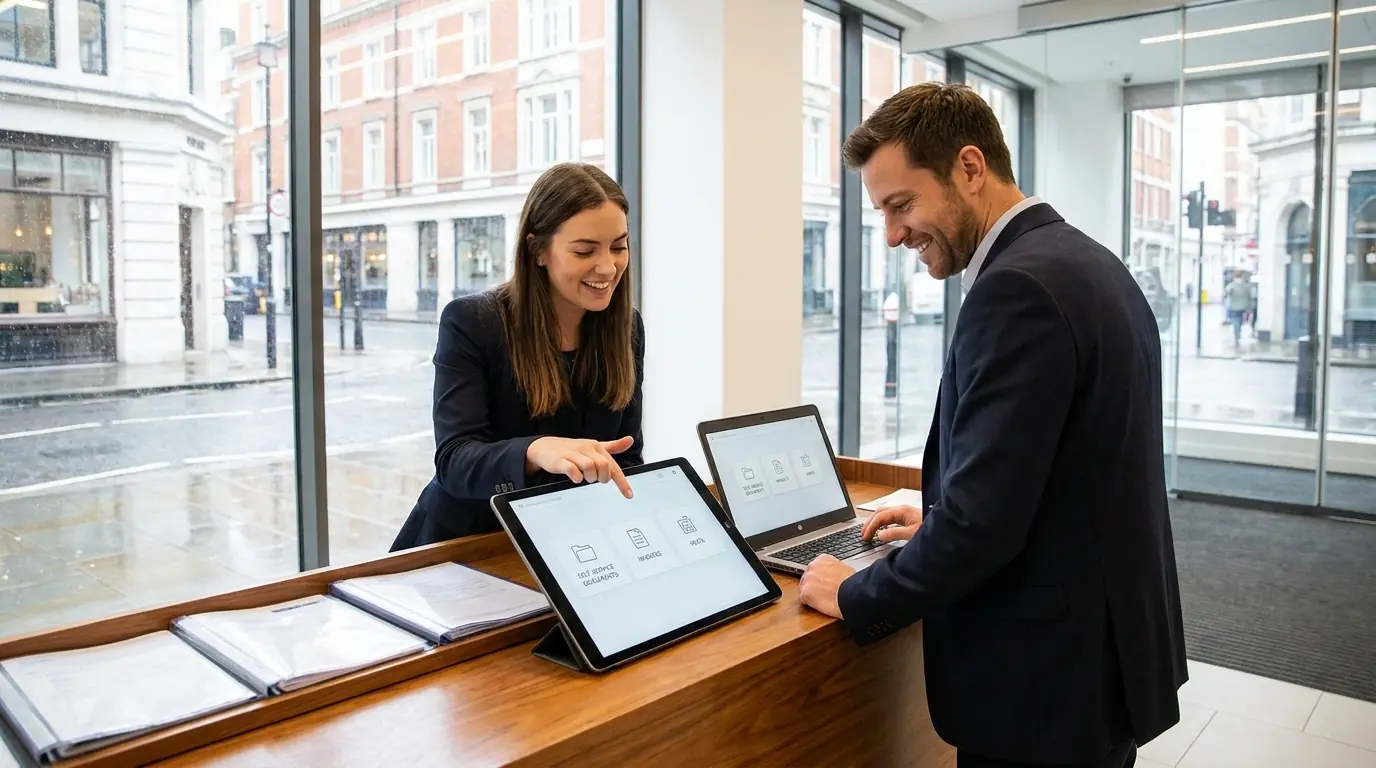
Blog post overview and metadata
Author, publish date, read time, and category
Customer Portal Development for UK Service Firms: What to Build and What It Costs
Reviewed by: ARS Developer | Updated: 29 Jun 2026 | UK Focus: Buyer-intent SEO, web delivery, and measurable conversion growth.
Quick Summary
If your team still emails PDFs, chases signatures, and answers the same "where is my document?" question ten times a day, you already understand the case for customer portal development. UK service firms — clinics, lettings agents,...
In This Guide
- What is a customer portal — and why it matters in 2026
- The admin pain a portal removes
- Core features of a customer portal
- Must-have vs nice-to-have
- Why Laravel is a good fit for portal development
- What does customer portal development cost in the UK?
- Custom portal vs off-the-shelf SaaS
- The ROI: hours saved, image, and retention
Why This Article Is Trustworthy
- Reviewed by the ARS Developer editorial team for UK business relevance.
- Structured around buyer-intent SEO, technical delivery, and measurable conversion outcomes.
- Connected to related service pages, pricing guidance, and supporting articles for stronger topic depth.
If your team still emails PDFs, chases signatures, and answers the same "where is my document?" question ten times a day, you already understand the case for customer portal development. UK service firms — clinics, lettings agents, recruiters, trades, and accountants — are spending hours each week on admin that a secure self-service portal could handle in seconds. In this guide we explain, as a UK software house, what a customer portal actually is, the features that matter, why Laravel is a sensible foundation, what customer portal development in the UK really costs, and how to start without betting the business on a big-bang build.
What is a customer portal — and why it matters in 2026
A customer portal is a secure, branded web area where your clients log in to do business with you on their own terms. Instead of phoning, emailing, or waiting on a member of staff, the customer sees their own documents, invoices, requests, and status updates in one place. For your firm, it becomes the single front door for every client interaction — auditable, consistent, and available around the clock.
The shift in 2026 is one of expectation. Clients now bank, shop, and manage their utilities through slick self-service apps, and they quietly judge professional service firms against that standard. A client portal for a service business is no longer a "nice digital touch" — it is increasingly the difference between looking modern and looking like you run the business out of an inbox. UK firms are also under pressure on data handling, and a portal gives you a controlled, logged channel for sharing sensitive material rather than scattering it across email.
The admin pain a portal removes
Most service firms don't have a sales problem with portals — they have an admin problem they've stopped noticing. The hours disappear into repetitive, low-value tasks that a portal absorbs automatically:
- Re-sending invoices, statements, and reports that clients have misplaced.
- Answering "what's the status of my case / application / repair / claim?" by phone and email.
- Manually collecting forms, ID, and signatures, then chasing the ones that never come back.
- Copying the same information between email threads, spreadsheets, and your accounts package.
- Onboarding new clients with a flurry of attachments and "did you get my email?" follow-ups.
Each of these is a small interruption, but together they can swallow a day a week per administrator. A portal turns those reactive interruptions into a self-service flow the client completes themselves, so your team handles exceptions instead of routine.
Core features of a customer portal
Whatever the sector, well-built portals share a common backbone. When we scope customer portal development for UK clients, these are the building blocks we return to again and again:
- Secure login and roles. Email-and-password with two-factor authentication, plus role-based access so a client, a staff member, and an admin each see only what they should. Optional single sign-on for larger clients.
- Self-service documents, invoices, and status. Clients view and download their own paperwork and see real-time status of whatever your service revolves around — an application, a case, a tenancy, a job, or a return.
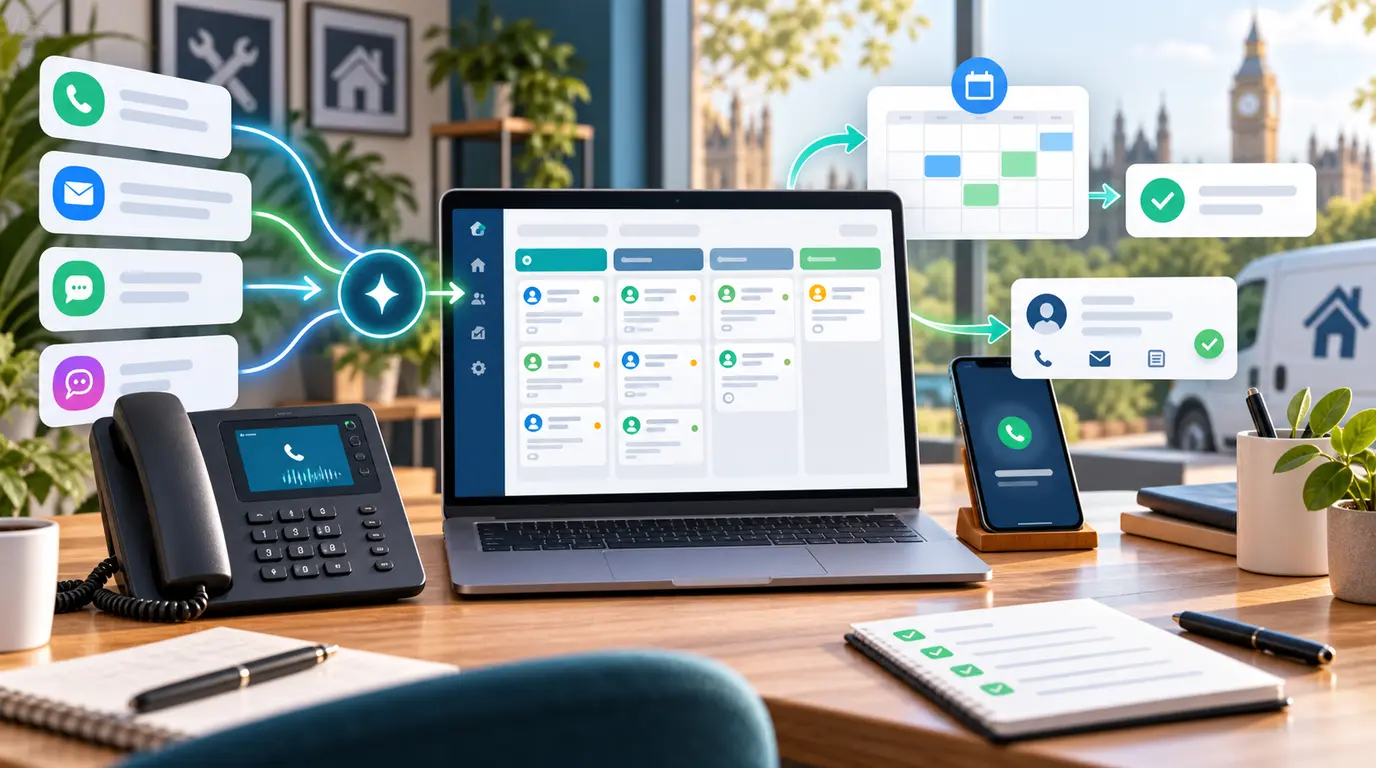
- Requests and forms. Structured submissions — new enquiries, maintenance requests, document uploads, appointment bookings — that land in your workflow already tagged and routed.
- Notifications. Automated email or SMS alerts when something changes, so clients stop calling to check and staff stop manually updating people.
- Audit trail. A logged record of who accessed, uploaded, or changed what, and when — valuable for compliance, disputes, and peace of mind.
- Integrations. Connections to the tools you already run: accounting (Xero, QuickBooks, Sage), payment providers (Stripe, GoCardless), e-signature, your CRM, and your existing database.
Must-have vs nice-to-have
The fastest way to overspend on a first portal is to treat every idea as essential. We push hard to separate the two, because a lean, reliable launch beats a feature-stuffed project that never ships.
Must-have for almost every firm:
- Secure, role-based login with 2FA.
- Self-service access to documents and invoices.
- Clear status visibility for the client's main concern.
- A request or upload flow for the most common client action.
- Notifications and a basic audit log.
Nice-to-have, best added later:
- In-portal payments and direct debit setup.
- E-signature and automated contract generation.
- Live chat or a support ticket system.
- Client-facing dashboards, analytics, and reporting.
- A native mobile app on top of the web portal.
- Deeper two-way integrations and automation between systems.
Build the must-haves first, prove the value, then fund the nice-to-haves from the time you've already saved.
Why Laravel is a good fit for portal development
Most of our portal work is Laravel, and that is a deliberate choice rather than a default. For a custom web app in the UK that handles client data and needs to last, Laravel offers a strong balance of security, speed of delivery, and long-term ownership.
- Security by default. Laravel ships with mature authentication, authorisation, CSRF protection, encrypted sessions, and hashed passwords — exactly the foundations a portal handling sensitive UK client data needs, rather than bolted-on afterthoughts.
- Scalability. Laravel portal development scales cleanly from a handful of pilot clients to thousands, with queues, caching, and a clear structure that copes as your feature set grows.
- Ownership. The code is yours. There are no per-seat platform fees, no vendor deciding your roadmap, and a large UK and global talent pool that can maintain it — so you are never locked to a single supplier.
- Speed of delivery. A rich ecosystem of well-tested packages means we build standard portal features faster, spending your budget on what's specific to your business instead of reinventing logins and dashboards.
If you're weighing a tailored build against a packaged product, our deeper take on custom software vs off-the-shelf walks through the trade-offs in detail.
What does customer portal development cost in the UK?
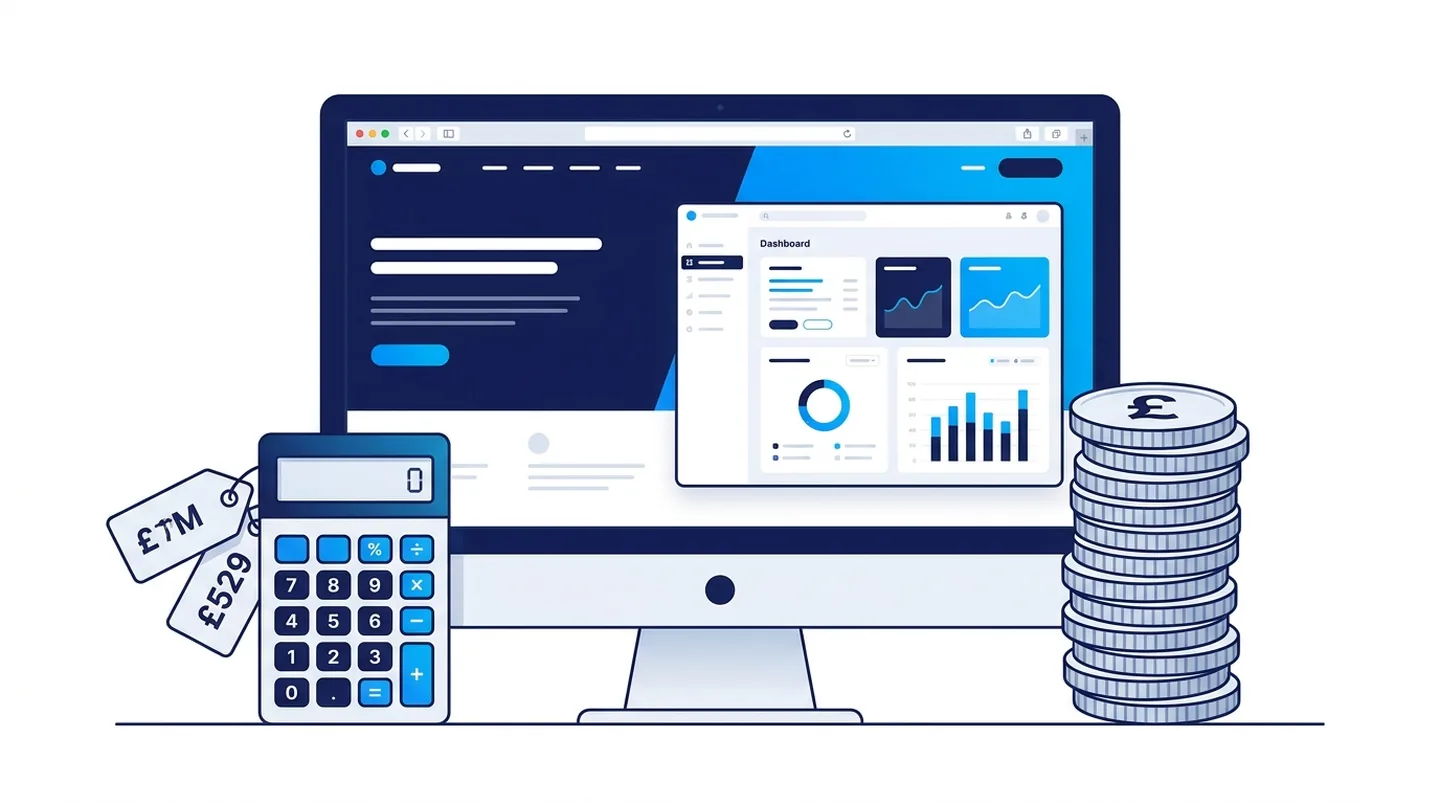
The honest answer is that customer portal cost in the UK depends on scope — but we can give you realistic ranges rather than vague "it depends." For a professionally built custom portal in 2026, expect roughly:
- £6,000–£15,000 — Lean MVP. Secure login, document and invoice self-service, status visibility, one core request flow, and notifications. Enough to remove your biggest admin headache.
- £15,000–£35,000 — Established portal. Multiple workflows, payments, e-signature, two or three integrations, audit logging, and a polished, fully branded experience.
- £35,000+ — Platform-grade. Complex roles, deep integrations across several systems, automation, reporting dashboards, and a mobile app — typically a phased programme rather than one project.
What drives the price is consistent across all of these: the number of distinct user roles and workflows, how many third-party systems you integrate, the depth of compliance and audit requirements, the amount of custom design, and whether you need data migrated from existing spreadsheets or legacy tools.
Custom portal vs off-the-shelf SaaS
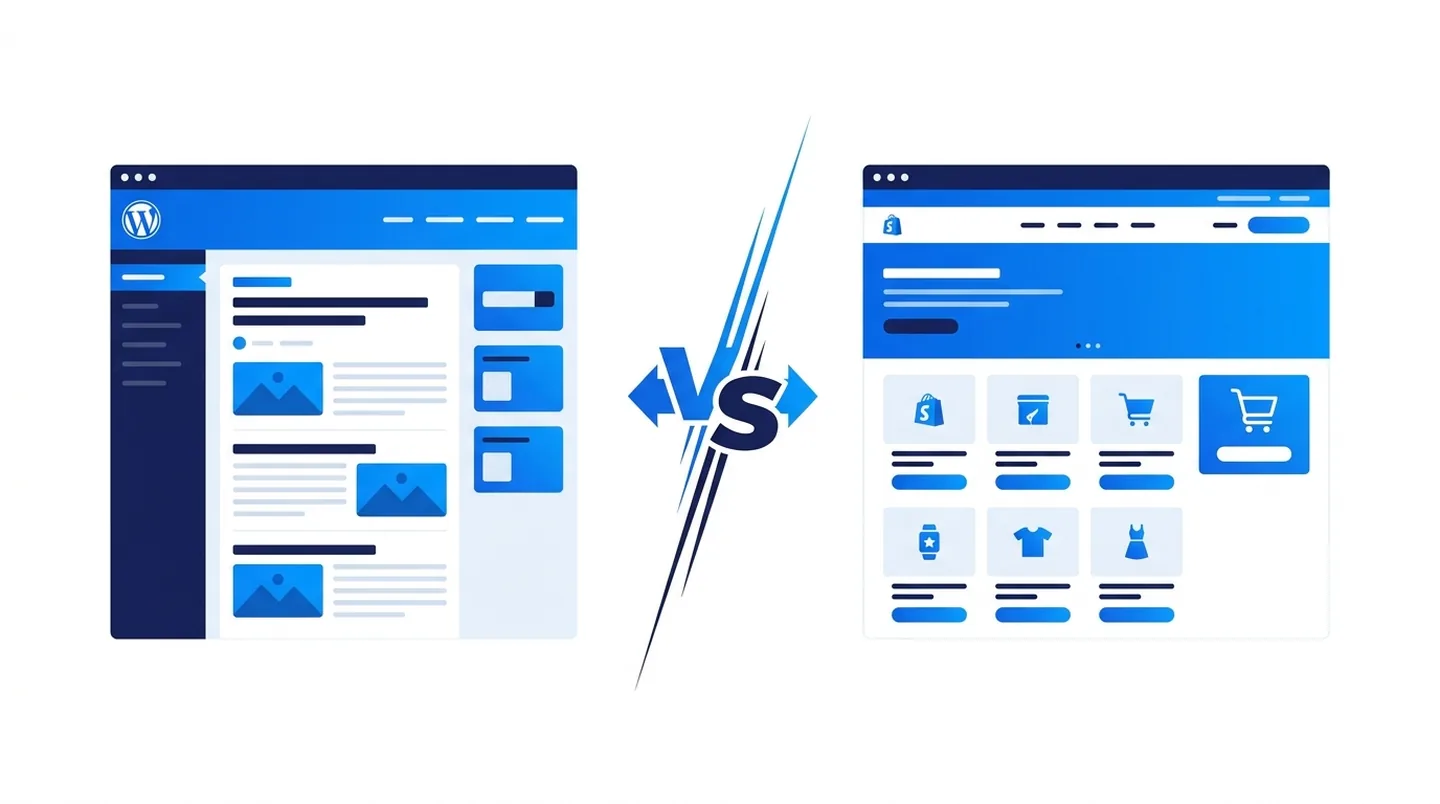
SaaS portals look cheaper on day one — a monthly subscription, no upfront build. The maths changes over time. Per-user or per-client pricing climbs as you grow, you bend your process to fit the software's assumptions, and integrations and branding are often limited or locked behind premium tiers. Over three to five years, a busy firm frequently pays more in subscriptions than a custom portal would have cost outright, while owning none of it.
A custom build is a larger upfront investment that you then own, shape to your exact workflow, and extend on your own timeline. For firms whose service process is a genuine differentiator — or whose admin pain is specific — that ownership usually wins. SaaS makes sense when your needs are generic and you want something live this week; custom wins when the portal is core to how you deliver. Many firms that start on spreadsheets and SaaS eventually outgrow both, much like the shift we describe in moving from spreadsheets to a custom system.
The ROI: hours saved, image, and retention
A portal pays back in three measurable ways. First, time. If a portal saves each administrator five hours a week on re-sending documents and answering status queries, that is a quarter of a person recovered — often enough to cover the build within the first year.
Second, professional image. A clean, secure client portal signals that you run a serious, modern operation. It wins work in competitive pitches and reassures clients handing you sensitive information that you take it seriously.
Third, retention. When clients can self-serve smoothly, switching to a competitor feels like effort. The portal becomes part of the relationship — a small but real reason to stay — and a steady channel for upsell and renewal prompts.
How to start: an MVP around your busiest request
The single best piece of advice we give on portal projects: don't try to digitise everything at once. Find the one request your team handles most often — the document re-send, the status check, the form collection — and build the minimum portal that handles it brilliantly. That focused MVP is faster to deliver, cheaper to fund, and gives you a live, real-world proof point before you invest further. From there you extend feature by feature, each one justified by the time the last one saved.
Implementation steps and timeline
A typical first portal with us runs to a clear, predictable path:
- Week 1–2 — Discovery and scope. We map your busiest workflows, define roles, and agree the MVP feature set and integrations.
- Week 2–3 — Design and prototype. Branded screens and flows you can react to before any heavy build begins.
- Week 3–7 — Build. Secure login, core features, and integrations developed in reviewable increments, not a black box.
- Week 7–8 — Testing and security review. Functional testing, security hardening, and any data migration from spreadsheets or legacy tools.
- Week 8–9 — Launch and onboarding. Go live with a pilot group of clients, gather feedback, and refine.
A lean MVP commonly lands in six to nine weeks; larger, multi-workflow portals run as phased releases over several months. Either way, you see working software early and often.
Key takeaways
- A customer portal turns repetitive admin into client self-service — saving hours every week.
- Get the must-haves right first: secure login, documents, status, requests, notifications, audit trail.
- Laravel portal development gives UK firms security, scalability, and full ownership of the code.
- Realistic customer portal cost in the UK starts around £6,000–£15,000 for a focused MVP.
- Custom usually beats SaaS over three to five years when the portal is core to your service.
- Start small — build around your single busiest support request — and expand from proven value.
Frequently asked questions
How much does a customer portal cost in the UK?
A focused MVP typically costs £6,000–£15,000, an established multi-workflow portal £15,000–£35,000, and platform-grade builds £35,000 and up. Price is driven by the number of roles and workflows, integrations, compliance needs, custom design, and data migration.
Should I build a custom portal or use SaaS?
Use SaaS if your needs are generic and you want something live immediately. Choose custom when the portal is central to how you deliver service, you need specific integrations or branding, and you want to own the software rather than pay per-user fees indefinitely.
How long does portal development take?
A lean MVP usually takes six to nine weeks from discovery to launch. Larger portals with multiple workflows and deep integrations run as phased releases over several months, with working software delivered in increments along the way.
Why Laravel for a customer portal?
Laravel provides mature, built-in security, scales from pilot to thousands of users, and produces code you fully own. Its ecosystem speeds up standard portal features so budget goes towards what's unique to your business.
Can a portal integrate with my existing accounting and CRM tools?
Yes. A custom web app in the UK can connect to Xero, QuickBooks, Sage, Stripe, GoCardless, e-signature services, and most CRMs, so the portal fits around the systems you already run rather than replacing them.
Ready to scope your portal?
Customer portal development doesn't have to be a leap of faith. Start with the one admin task that costs you the most time, and let a focused build prove its worth. As a UK software house in Stoke-on-Trent, ARS Developer Ltd designs and builds secure Laravel portals and custom web apps for service firms across the UK. Get in touch to scope a portal around your busiest workflow — we'll map the MVP, the cost, and the timeline before you commit a penny to the build.
Next Step Resources
Move from research into action with the most relevant service, proof, pricing, and project planning pages for this topic.

Tags:





































Leave a Comment
Ask a practical question, share a project insight, or add a useful note. Every comment is reviewed before it appears publicly.